How to Run Multiple Tailoring Shop Locations Without Losing Control
Managing more than one tailoring shop? Learn how to handle inventory, staff, orders, and finances across multiple locations without chaos. Practical tips for multi-store tailoring businesses.
Introduction
Your tailoring shop is doing well. Customers are happy, orders are consistent, and you have built a solid reputation in your area. Naturally, you start thinking about the next step — opening a second location.
Maybe there is a growing neighborhood nearby that lacks a good tailor. Maybe one of your customers in another part of the city keeps asking if you have a branch closer to them. Maybe you just want to grow your business and increase revenue.
Opening a second shop is exciting, but it comes with a challenge that many tailoring business owners underestimate: you cannot be in two places at once.
When you had one shop, you were there every day. You saw every order, knew every customer, and handled everything personally. With two shops, you need systems that work without your constant physical presence. If you do not set these up properly, you end up running between locations, putting out fires, and feeling more stressed than before.
This guide covers practical strategies for managing multiple tailoring shop locations smoothly.
The Challenges of Running More Than One Shop
Inventory Split
You now have fabric and supplies in two locations. How do you know what is available where? If one shop runs out of a popular fabric, does the other shop have enough? Without visibility across locations, you end up with overstocking in one shop and shortages in the other.
Different Staff, Different Standards
Your main shop has staff you have trained yourself. The second shop might have newer staff who need time to match your quality. Without clear work standards and tracking, quality can vary between locations — and customers notice.
Order Tracking Across Locations
A customer might place an order at Shop A and call Shop B to ask about the status. If your shops do not share information, no one can help that customer. This creates frustration and makes your business look disorganized.
Financial Visibility
At the end of the month, you need to know how each shop is performing independently. Which one makes more money? Which has higher costs? Are both profitable? Without separate financial tracking per location, this is impossible to figure out.
Inconsistent Pricing and Services
If Shop A charges ₹500 for a shirt and Shop B charges ₹550 for the same type, and a customer visits both shops, it creates confusion and distrust. Your pricing, policies, and service offerings should be consistent — or at least deliberately different for valid reasons.
Holiday and Schedule Differences
Different locations might have different holidays, working hours, or staff schedules. Order deadlines need to account for each shop's specific calendar. A system that works for one shop might give wrong delivery dates for another.
Setting Up Systems for Multi-Location Success
1. Centralize Customer Data
Your customer database should be shared across all locations. If Mr. Patel gets his measurements taken at Shop A, those measurements should be available at Shop B if he visits there next time.
A centralized customer database means:
- Customers do not have to repeat their information at each location
- Measurements, preferences, and order history are accessible everywhere
- You can see overall customer value across locations, not just per shop
2. Keep Inventory Per Store But Track Centrally
Each shop has its own physical inventory — that makes sense. But you should be able to see all inventory across all locations from one view. This helps with:
- Transferring stock from an overstocked shop to one that is running low
- Making bulk purchasing decisions based on total consumption
- Identifying slow-moving items at specific locations
3. Standardize Garment Pricing with Local Flexibility
Create a central garment catalog with base prices. Then allow each store to have slight adjustments if needed — perhaps the shop in a premium area charges 10% more. The key is having a single source of truth for what you offer and what it costs.
4. Use Store-Specific Order Numbering
Each shop should have its own order numbering sequence, prefixed with a shop code. This prevents confusion and makes it clear which location an order belongs to:
- Shop A: SA/2025-26/001, SA/2025-26/002 ...
- Shop B: SB/2025-26/001, SB/2025-26/002 ...
5. Set Up Store-Specific Settings
Different shops might have different:
- Trial durations (5 days at the main shop, 7 days at the larger satellite shop)
- Delivery durations (based on the staff capacity at each location)
- Holidays (one shop might observe a local festival day the other does not)
- Working hours (weekend-only shop vs. full-week shop)
Each shop should have its own settings for these operational details.
6. Track Performance Per Store
Generate reports for each store independently:
- Revenue per store per month
- Orders completed per store
- Staff productivity per store
- Pending payments per store
This helps you identify if one location is struggling and needs attention.
Staff Management Across Locations
Managing staff becomes significantly more complex with multiple shops:
Assign Staff to Specific Stores
Each staff member should be assigned to a primary store. This ensures accountability and clear chain of responsibility. If a staff member works at multiple locations (perhaps a specialist who visits both shops), track which days they work at which location.
Maintain Consistent Roles and Rates
Your staff groups (Master Tailors, Stitchers, Finishers) should be consistent across locations. A Master Tailor at Shop A should earn the same per-garment rate as a Master Tailor at Shop B unless there is a documented reason for the difference.
Centralized Attendance and Salary
Track attendance per store but calculate salaries centrally. This gives you one payroll process, one set of salary reports, and one payment cycle — even with staff spread across locations.
The Technology That Makes It Possible
Managing multiple tailoring shops without technology is extremely difficult. You would need separate registers at each location, no shared customer data, and manual consolidation of reports. By the time you figure out how each shop performed last month, it is already halfway through the current month.
Multi-store tailoring management software solves this by providing:
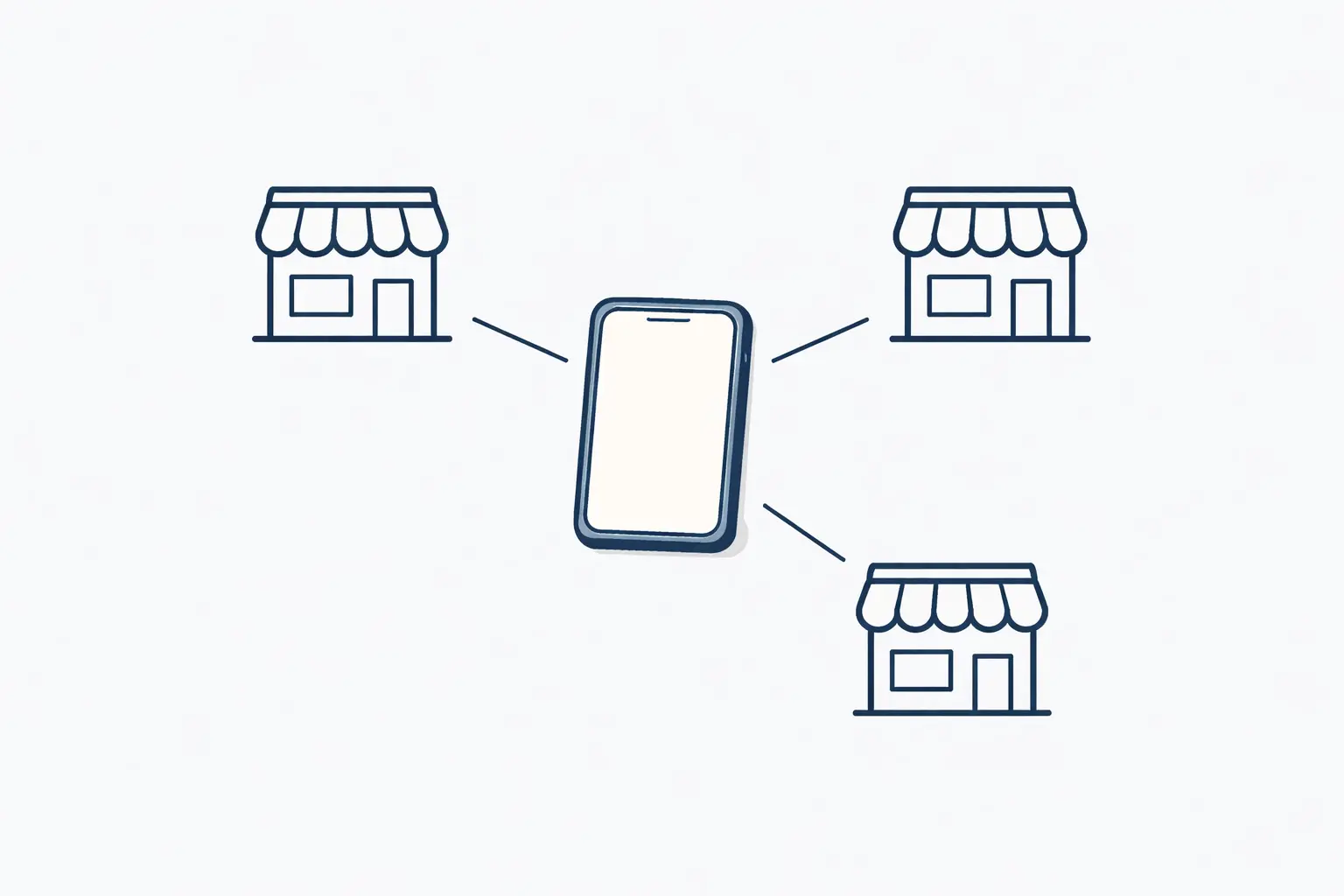
- One login, multiple stores — Switch between stores from a single dashboard
- Shared customer database — Customers belong to the business, not a specific shop
- Per-store inventory — Track stock separately per location, view all from one place
- Per-store settings — Different trial durations, holidays, delivery timelines, and languages per shop
- Per-store reporting — Revenue, orders, staff performance broken down by location
- Centralized garment catalog — One catalog with per-store pricing adjustments
- Per-store order numbering — Unique sequences per shop, no conflicts
- Role-based access — The Shop B manager can see only Shop B data; you see everything
DD Tailors is built with multi-store management as a core feature. When you add a new store to your account, it gets its own settings, order sequences, inventory, and staff assignments — while still sharing the central customer database and garment catalog. You can manage all your locations from one dashboard, whether you are sitting at Shop A, Shop B, or at home.
Each store can even have its own public storefront with different branding and contact information, while all the management happens in one unified backend.
The subscription plans scale with your business — you can start with one store and add more as you grow. The system enforces the same standards and processes across all locations, ensuring consistent quality and service no matter which shop a customer visits.
When to Open Your Second Shop
Before you expand, ask yourself these questions:
Is your first shop running smoothly without you? If the first shop falls apart when you are not there, it is too early to open a second one. Build systems that run without your constant presence first.
Do you have enough demand? The new location should have clear demand — either from existing customers who live far from your current shop or from an underserved area.
Is your team ready? You need reliable people to manage the new location day-to-day. Ideally, promote someone from your existing team who already knows your standards.
Do you have the financial cushion? A new shop takes time to become profitable. Make sure your first shop generates enough to cover the second shop's losses during the initial months.
Are your systems in place? Do not open a second shop until you have a management system that can handle multiple locations. Trying to set up systems after opening leads to chaos.
A Real-Life Example
A tailoring business owner in Hyderabad ran a successful shop for 6 years. After consistently turning away customers from a neighboring area due to distance, he decided to open a second branch.
His biggest concern was maintaining quality and control. He set up the following:
- Both shops shared one customer database through his management software
- Each shop had its own inventory tracking but he could view both from his phone
- Order numbers were prefixed with shop codes so there was never confusion
- One head tailor from the original shop was promoted to manage the new branch
- Weekly reports showed him each shop's performance side by side
After 8 months, the second shop was profitable. More importantly, the first shop continued performing well because the systems were in place before the expansion. Customers who visited both locations commented on the consistency — same quality, same professionalism, same experience.
Conclusion
Expanding from one tailoring shop to multiple locations is a natural step for a growing business. But success depends less on your tailoring skills and more on your management systems.
Before you expand, get your systems right — centralized customer data, per-store inventory, standardized pricing, clear staff assignments, and per-store reporting. Technology like DD Tailors makes multi-store management practical even for small businesses, giving you the tools to scale without losing control.
Growth is exciting. But controlled growth — where every new location strengthens your business instead of stretching it thin — is what builds lasting success.
Find more tips for scaling your tailoring business on the Duo Dev Technologies blog.
Category: Tailoring Business Management
Tags: multiple tailoring shops, multi-store tailoring management, expanding tailoring business, second tailoring shop, tailoring franchise, multi-location management, tailoring business growth, tailor shop expansion, centralized tailoring management, tailoring business scaling