Reports & Analytics
Gain insights into your business performance. Generate comprehensive reports to understand your sales, staff productivity, orders, salary, and attendance at a glance.
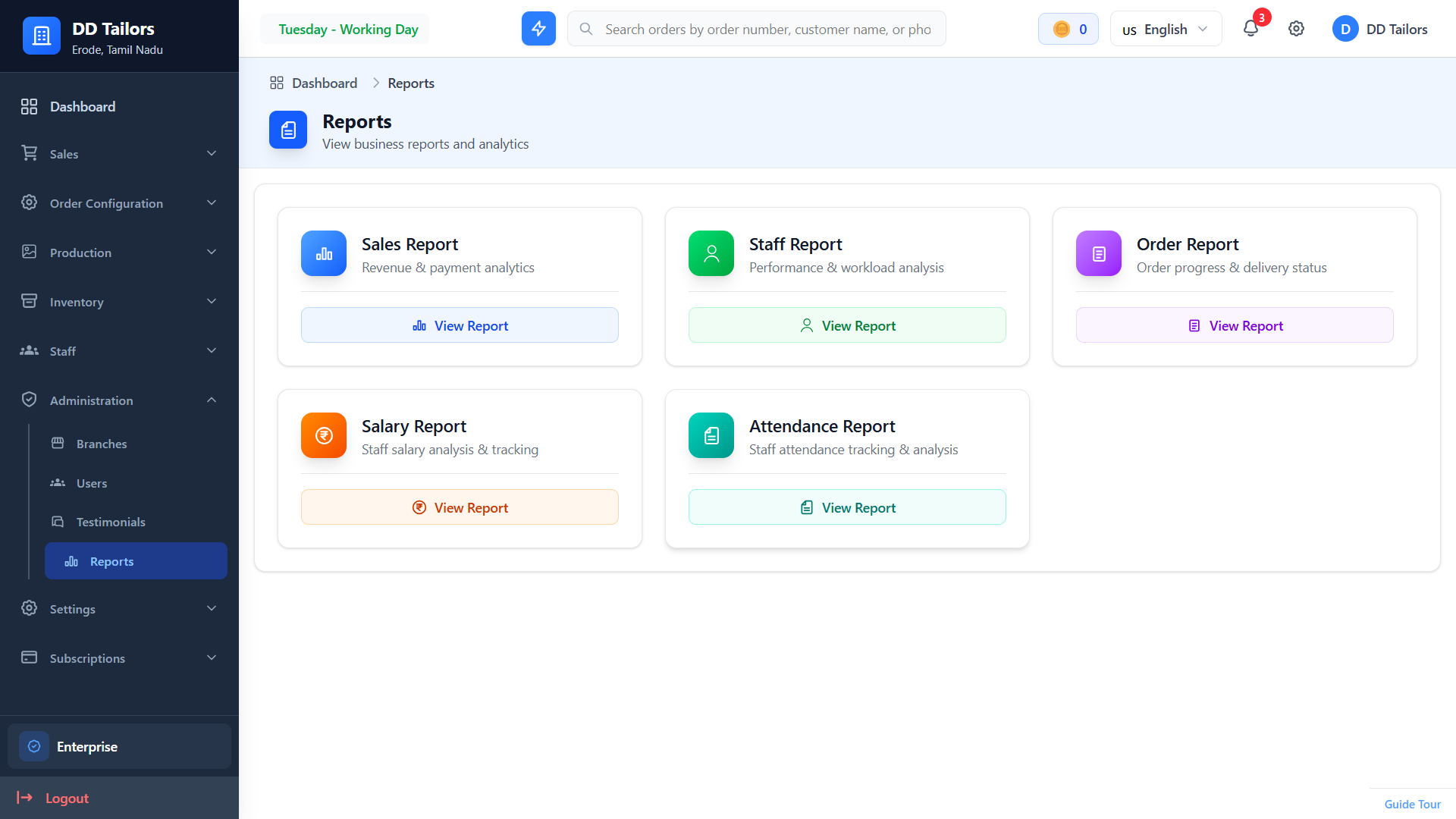
Reports selection page
Accessing Reports
To access reports:
- Click Reports in the main navigation menu
- Select the type of report you want to view
- Customize the date range and filters
- View, print, or export the report
Available Reports
Sales Report
Understand your revenue and order trends:
- Revenue by Period - Total revenue for selected date range
- Orders Count - Number of orders completed
- Payment Summary - Collected vs outstanding amounts
Staff Report
Analyze staff performance and productivity:
- Work Completed - Units completed by each staff member
- Earnings Generated - Revenue attributed to staff work
- Performance Metrics - Efficiency and completion rates
- Assignments - Current and past work assignments
Order Report
Detailed order analysis and tracking:
- Order Status Summary - Orders grouped by status
- Pending Orders - Orders awaiting completion
- Delivery Due - Upcoming delivery deadlines
Salary Report
Track staff salaries and settlements:
- Earnings Summary - Total earnings per staff (fixed or work-based)
- Settlements Made - Payments already processed
- Outstanding Balance - Pending salary amounts
- Recalculate Salary - Recompute salary based on current data
Attendance Report
Monitor staff attendance patterns:
- Present Days - Days marked as present
- Absent Days - Days missed
- Half Days - Partial attendance records
- Attendance Rate - Overall attendance percentage
Date Range Filters
All reports allow you to filter by date range:
- Today - Current day only
- This Week - Current 7-day period
- This Month - Current calendar month
- Last 3 Months - Quarter view
- Last 6 Months - Half-year view
- Custom Range - Select specific start and end dates
Exporting Reports
Reports can be exported as PDF for sharing and printing.
Best Practices
💡 Review Reports Weekly
Check key reports weekly to stay on top of your business performance and staff productivity.
💡 Track Staff Performance
Use staff reports to identify top performers and those who may need additional support.
💡 Monitor Salary Balances
Regularly check salary reports to ensure timely settlements and maintain staff satisfaction.
Frequently Asked Questions
Can I export reports to Excel?
Why don't I see data in my report?
How often should I review reports?
What does "Recalculate Salary" do?
What's Next?
Now that you understand reports, here's the recommended next step: